OfflineTunes Blog
Practical guides for people who own their music, keep it offline, and still care how it feels to browse.
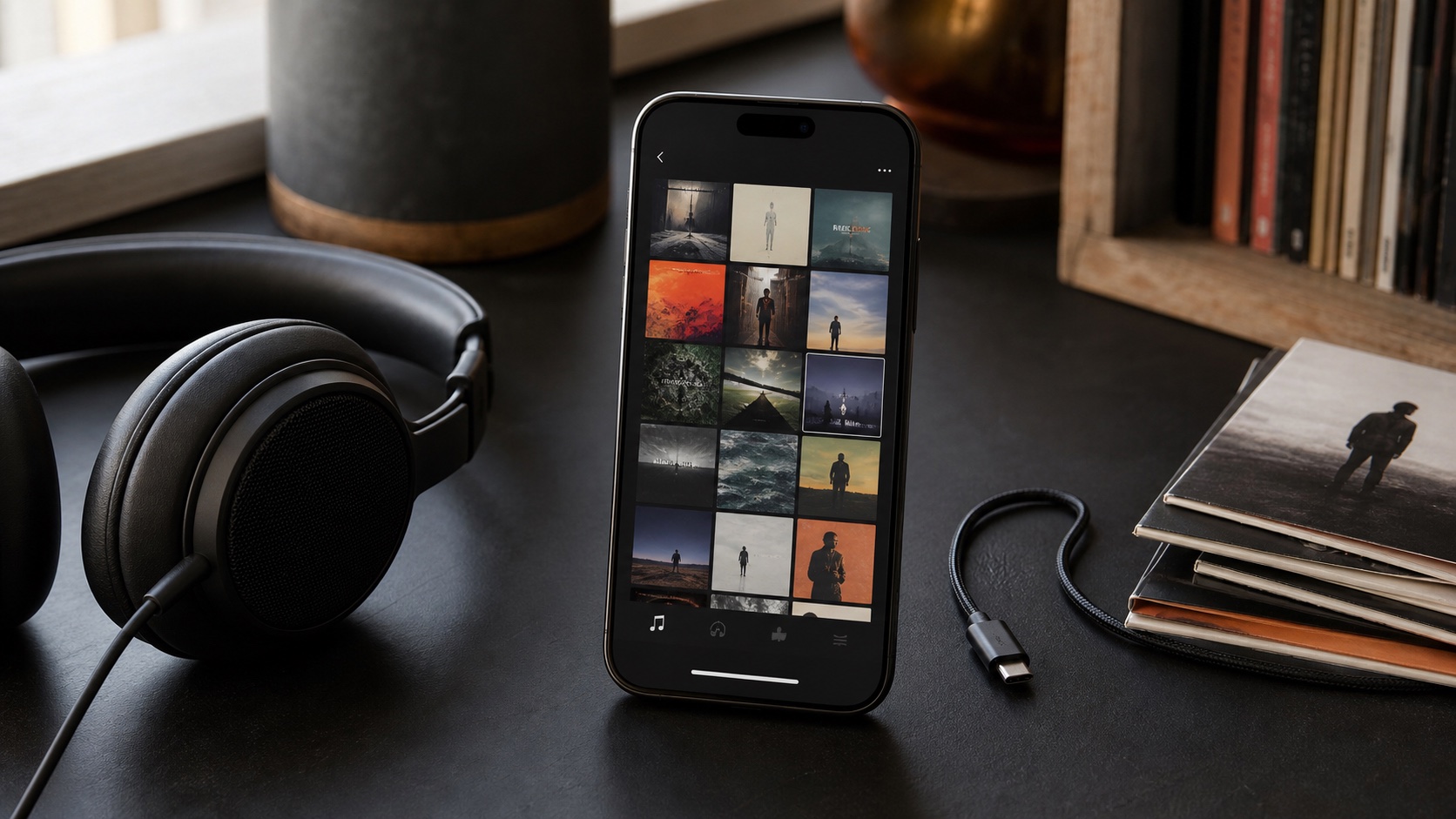
Offline Track Radio on iPhone: Single-Song and Multi-Track Mixes
Create offline Track Radio on iPhone from one song or several seeds, with library-powered recommendations and no streaming connection.
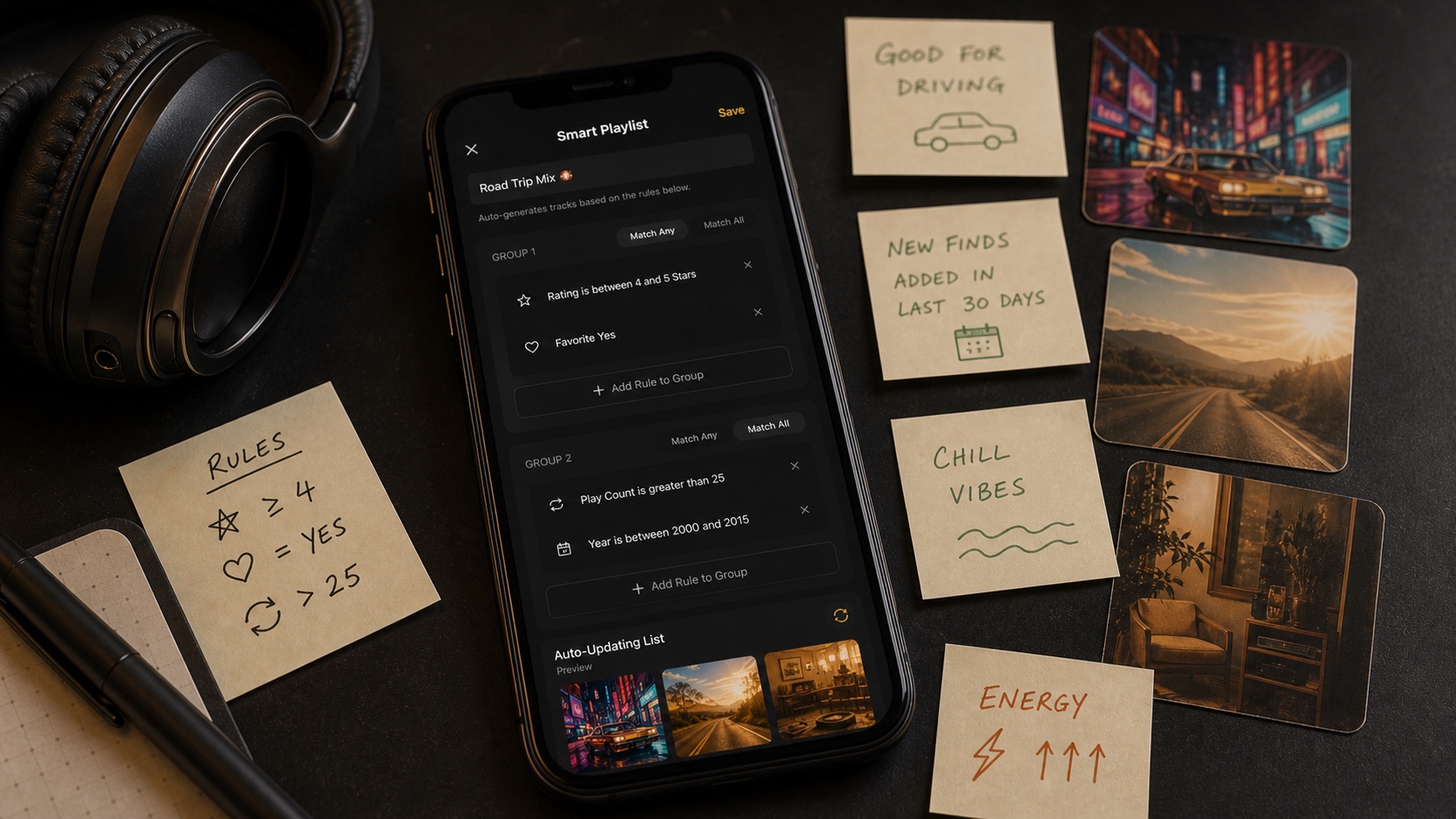
How OfflineTunes Analyzes BPM, Key, Energy, and Mood
Learn how OfflineTunes uses MFCC timbre, BPM, key, Camelot, energy, brightness, danceability, and loudness to understand local music.
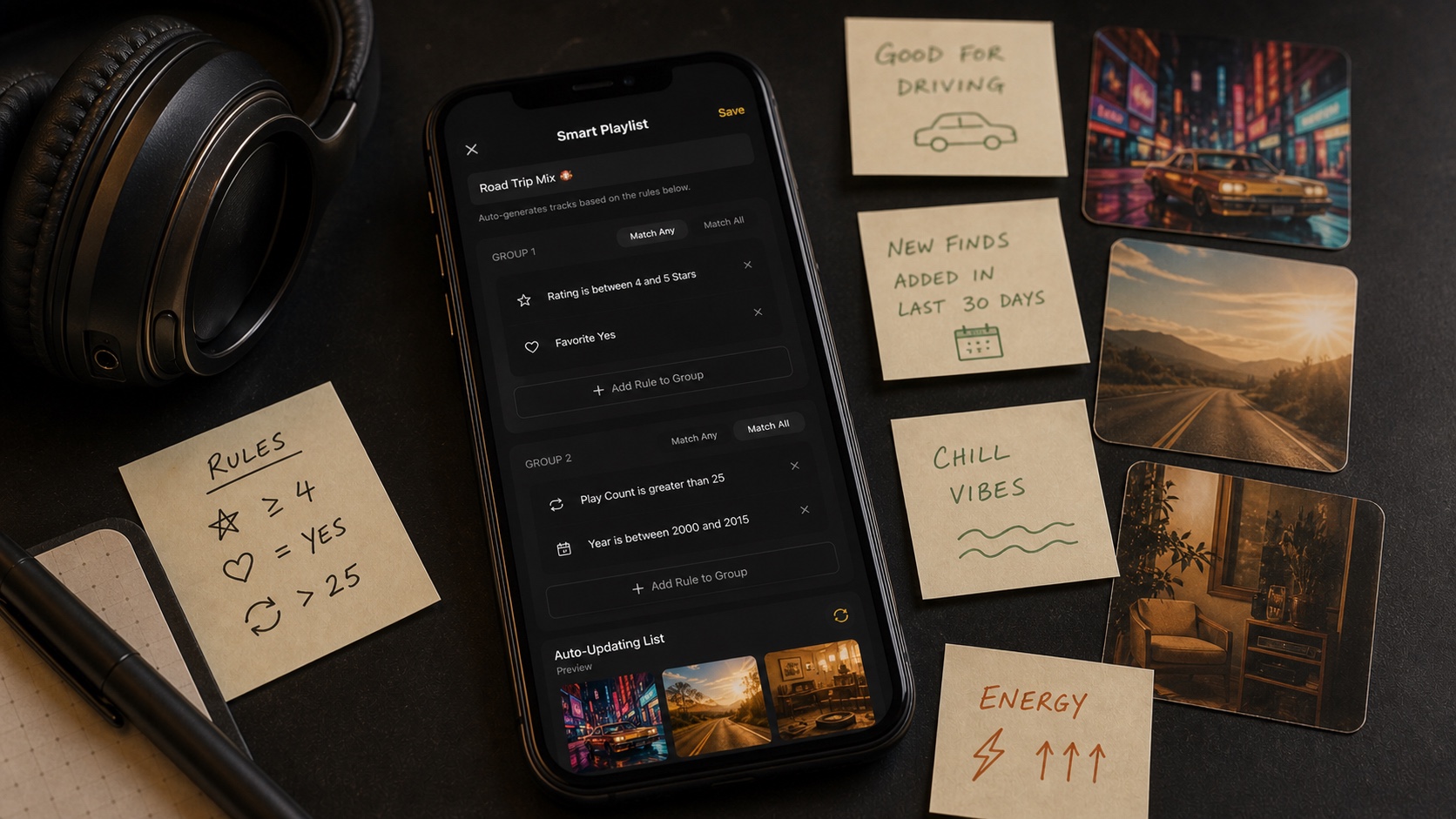
Mood Playlists on iPhone: Hype, Chill, Focus, Sleep, and More
Use OfflineTunes Moods to create offline playlists for Hype, Chill, Focus, Sleep, Romantic, Dark, and Cinematic listening.
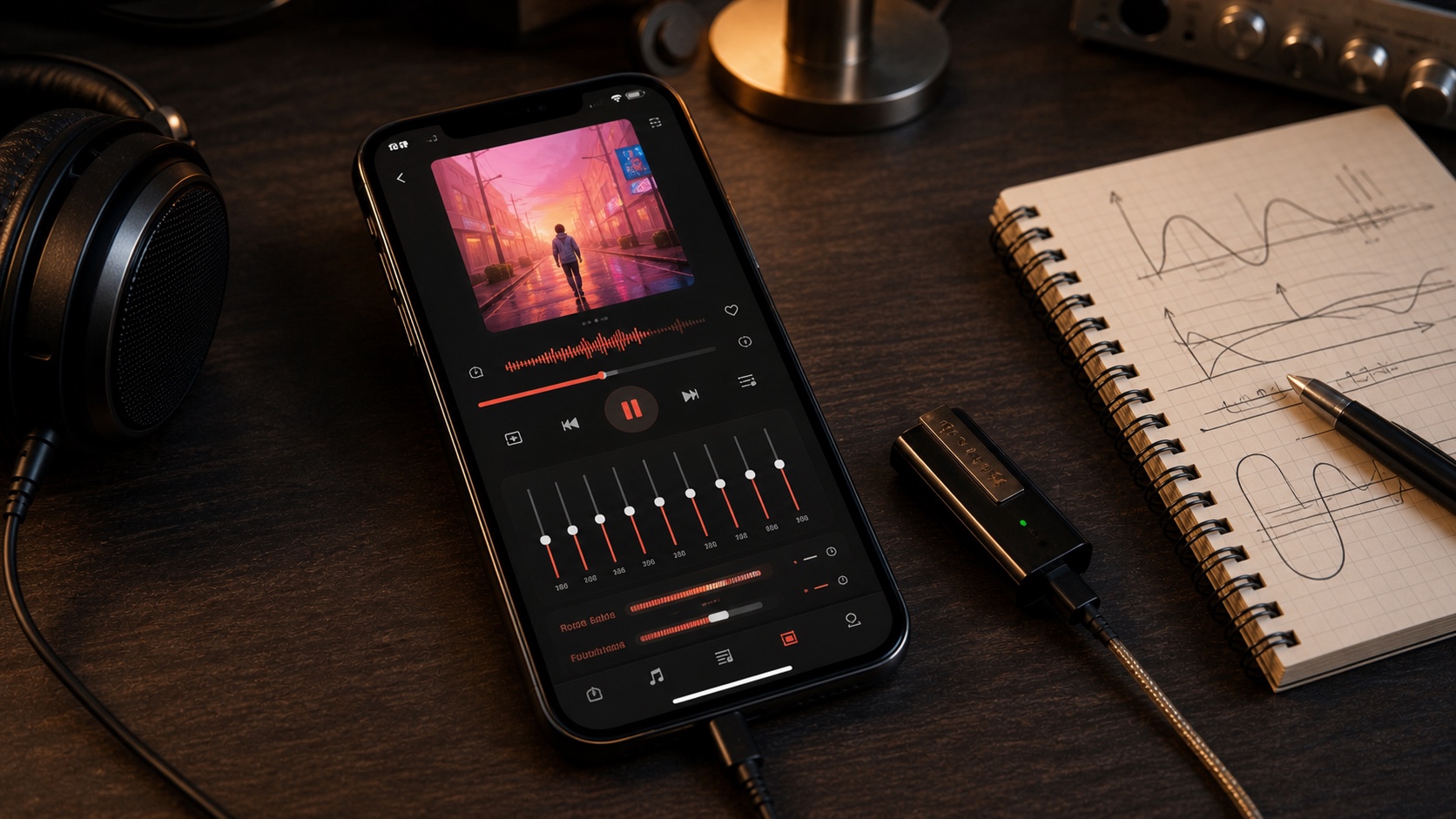
Milkdrop Visualizer on iPhone: Turn Local Music Into a Light Show
Use the OfflineTunes Milkdrop visualizer on iPhone with hundreds of beat-reactive presets, fullscreen mode, and automatic cycling.
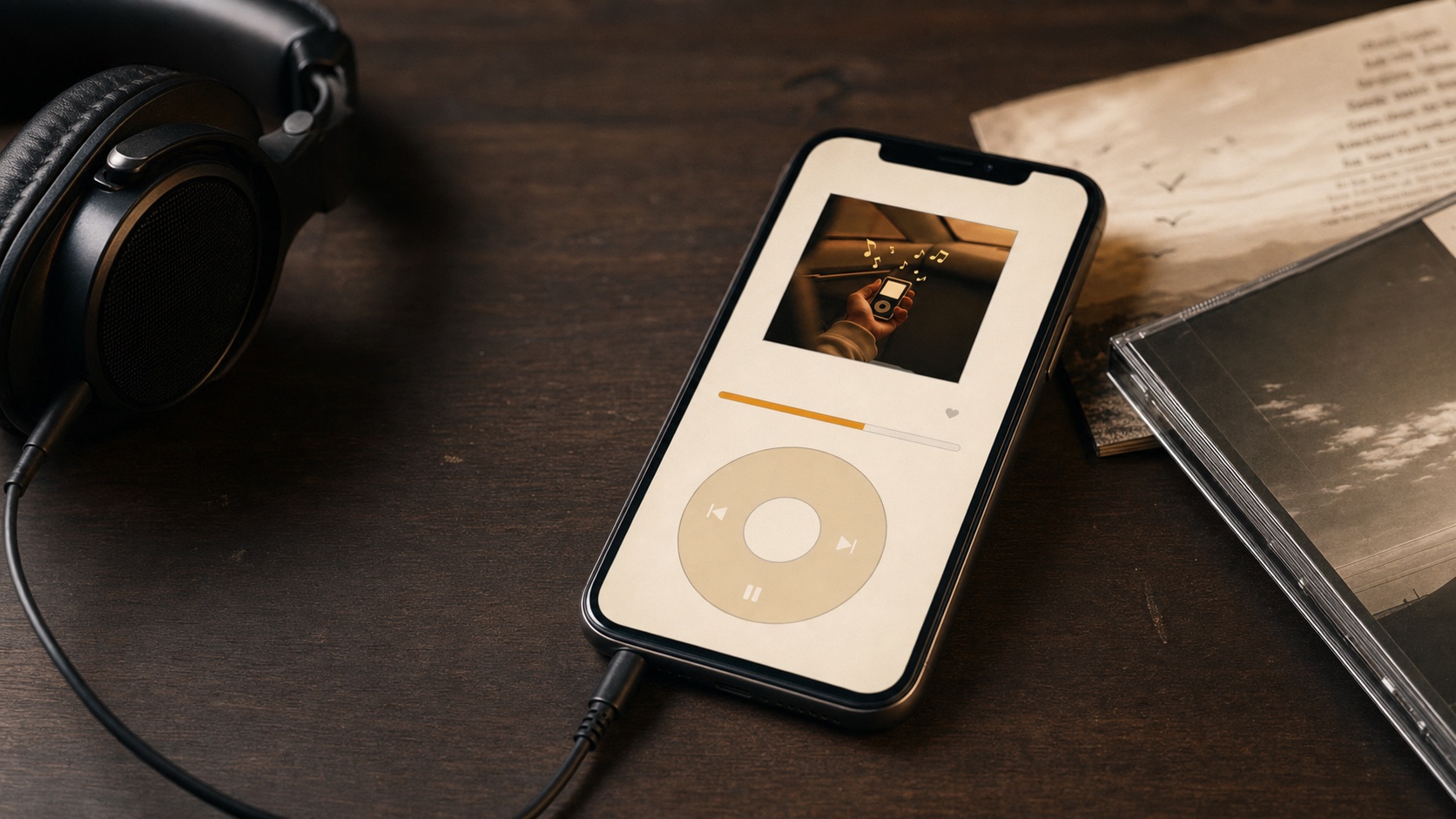
Modern Mode vs Retro Mode: Two Ways to Enjoy OfflineTunes
Compare OfflineTunes Modern Mode and Retro Mode: advanced library tools on one side, nostalgic click-wheel simplicity on the other.
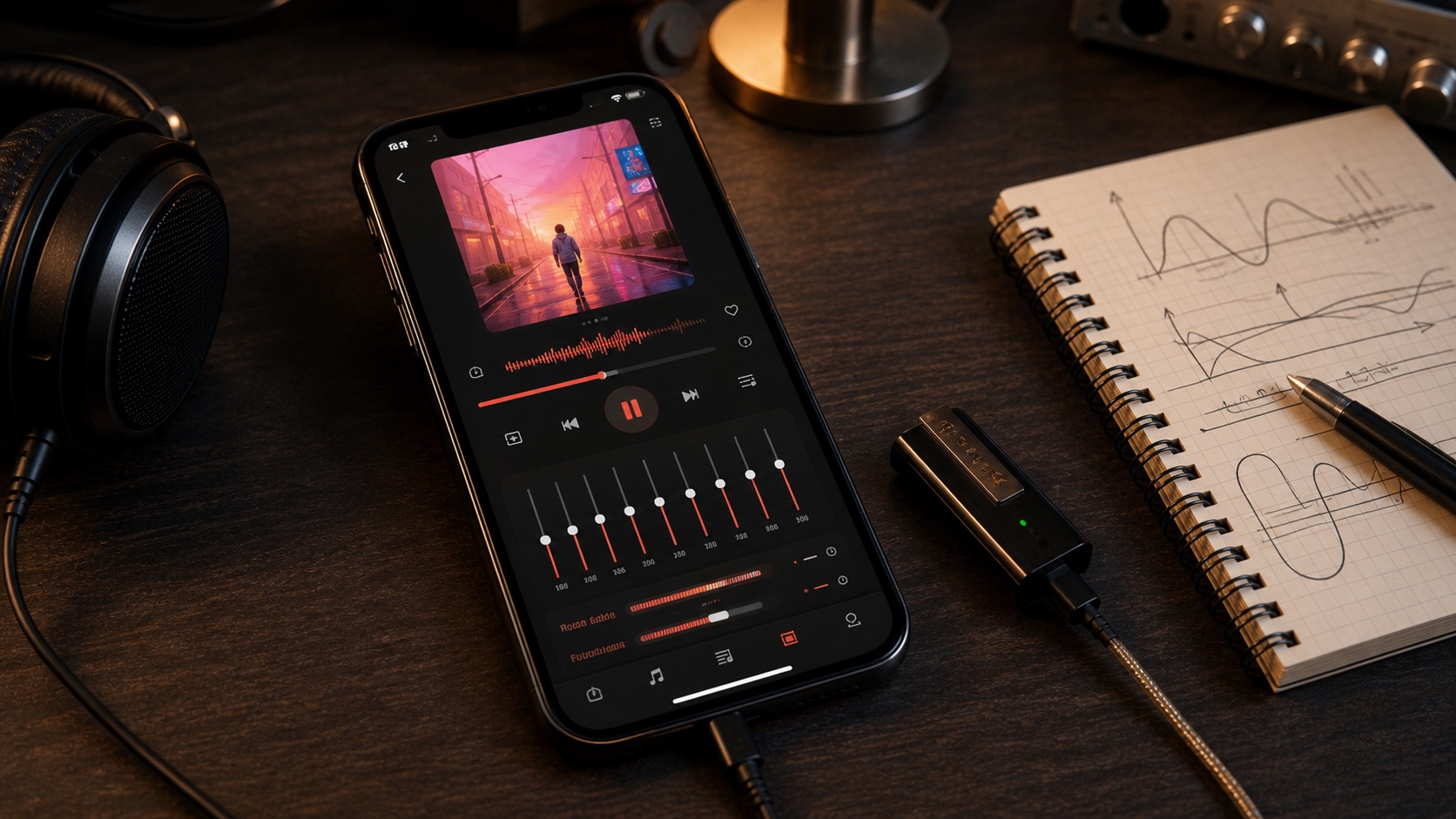
Crossfade, Gapless, Automix, and Skip Silence on iPhone
Compare Crossfade, Gapless, Automix, and Skip Silence in OfflineTunes and choose the right iPhone playback flow for each library.
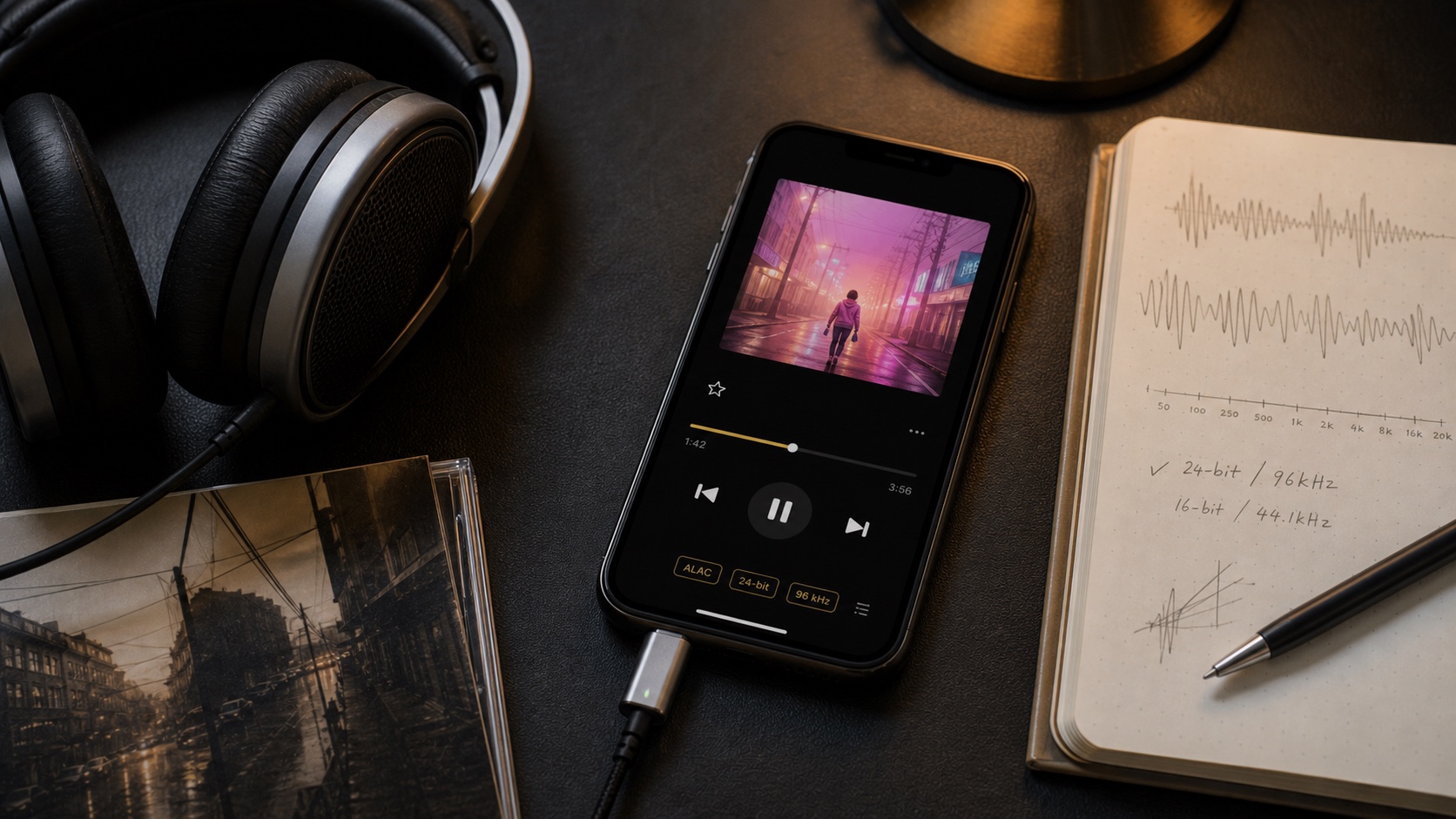
Bit-Perfect Audio on iPhone: When an Untouched Signal Matters
Understand Bit-Perfect audio on iPhone, what an untouched signal means, and why OfflineTunes disables processing while it is active.
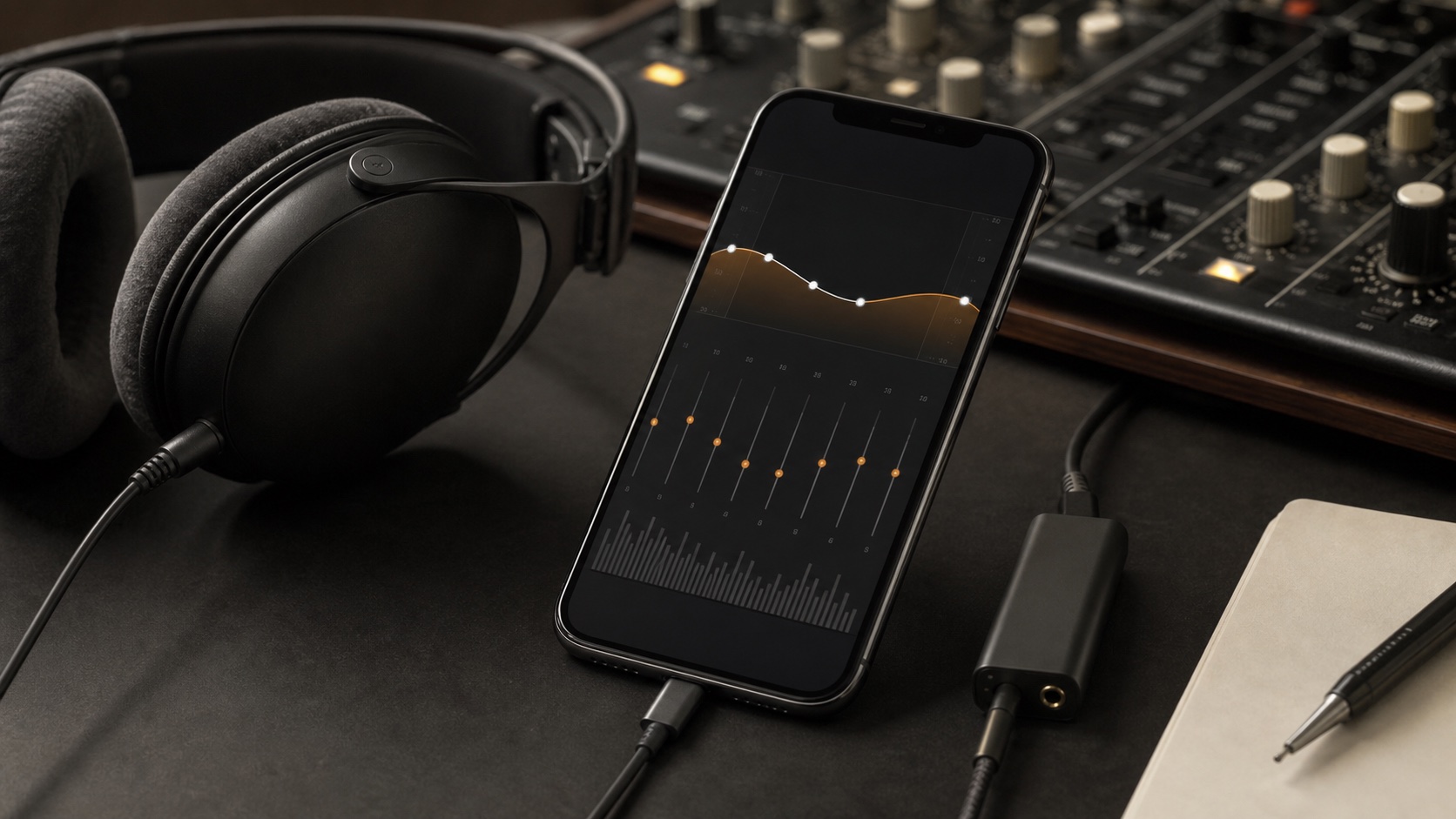
3D Spatial Audio for Local Music: Subtle, Wide, and Room
Use OfflineTunes 3D Spatial Audio with Subtle, Wide, and Room presets for local music stored on iPhone.