OfflineTunes Blog
Practical guides for people who own their music, keep it offline, and still care how it feels to browse.
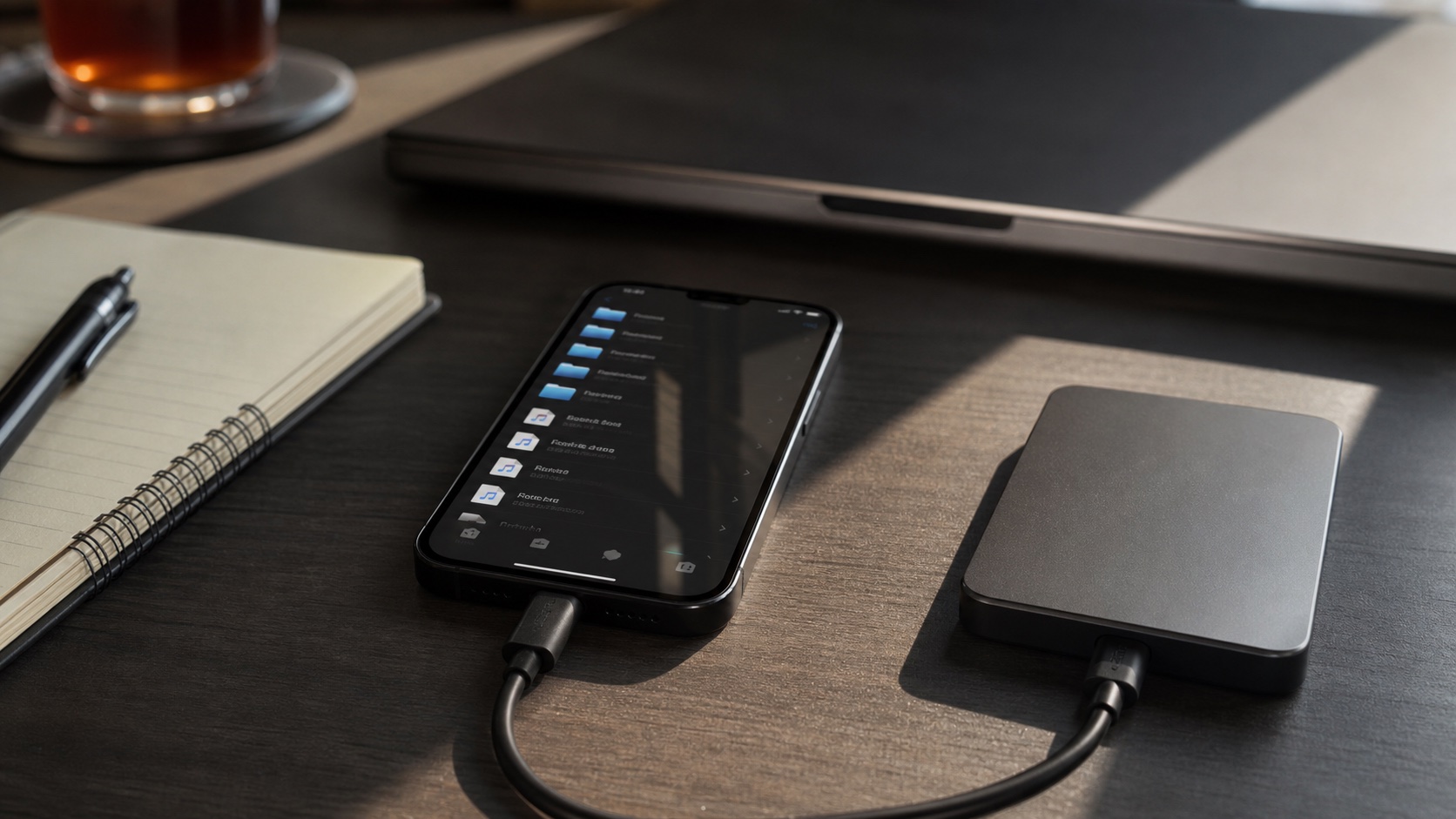
How to Transfer Entire Music Folders to iPhone Over Wi-Fi
Transfer complete music folders to iPhone over Wi-Fi with OfflineTunes, preserving nested structure without iTunes or a cable.
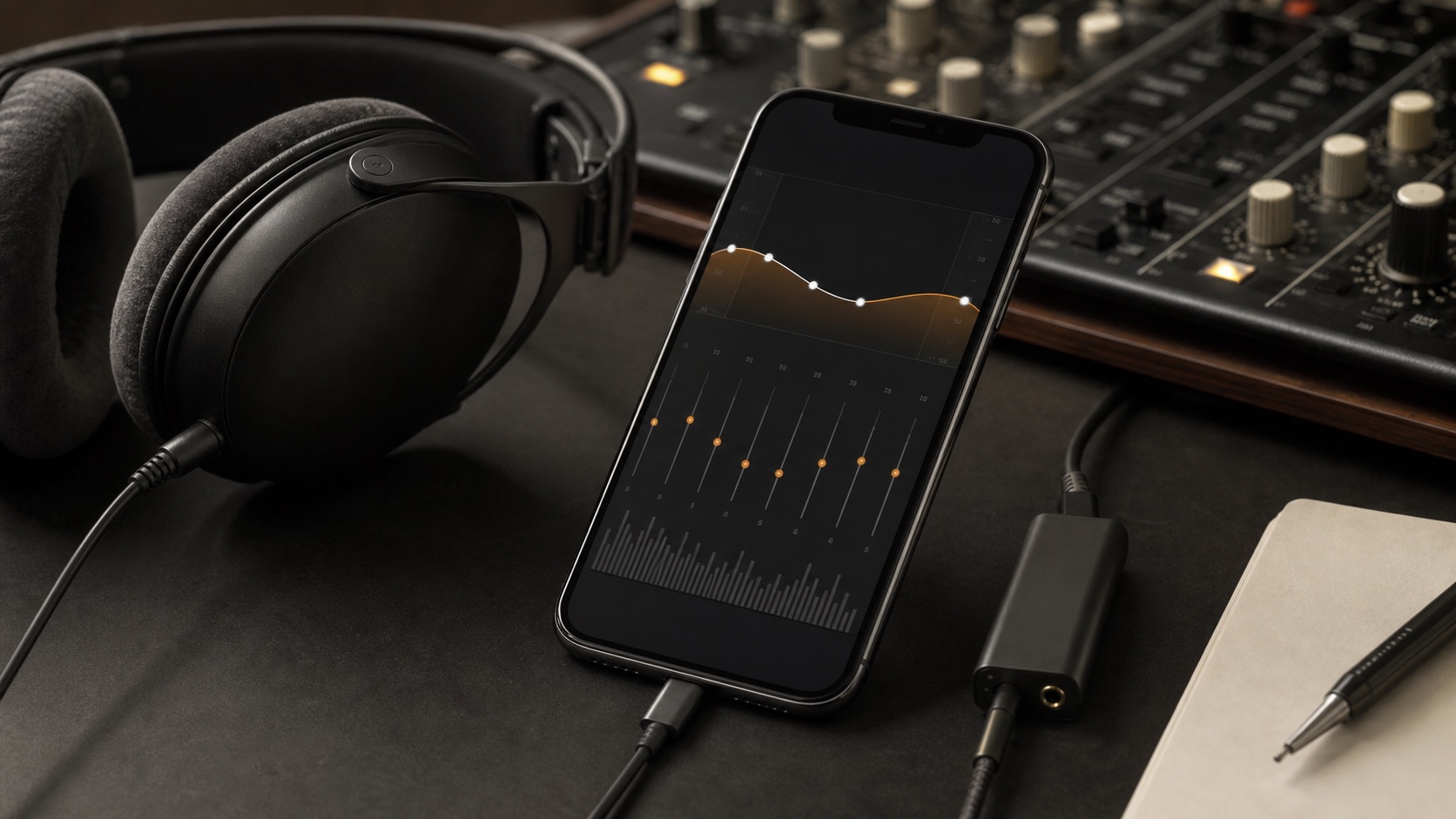
How to Trim, Speed Up, Pitch-Shift, and EQ Audio on iPhone
Use OfflineTunes Process Tracks to trim, change speed or pitch, adjust gain and EQ, preview changes, then save or overwrite on iPhone.
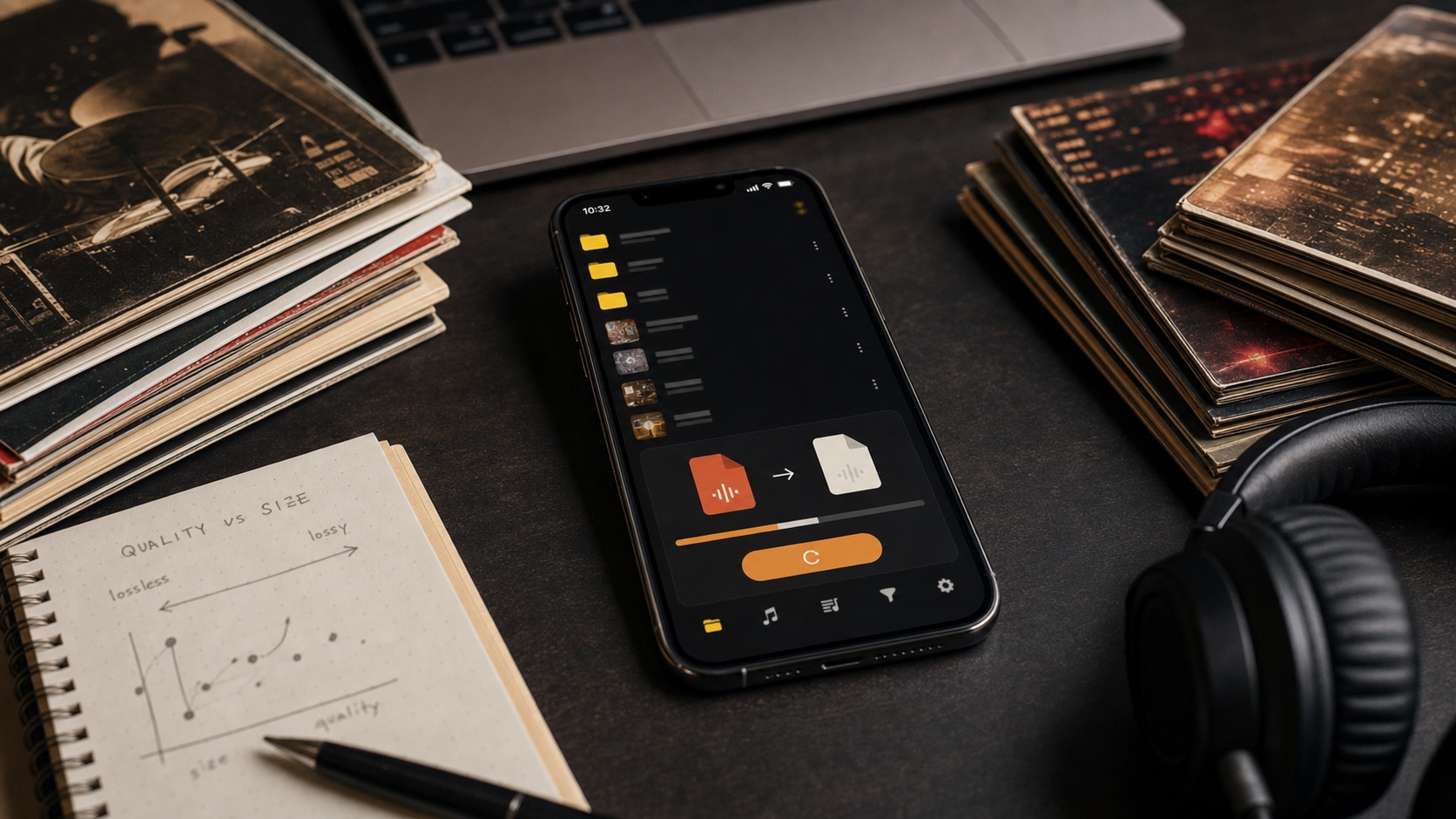
How to Convert FLAC, MP3, AAC, ALAC, and OPUS on iPhone
Convert FLAC, MP3, AAC, ALAC, and OPUS on iPhone with batch processing, bitrate choices, and metadata controls in OfflineTunes.
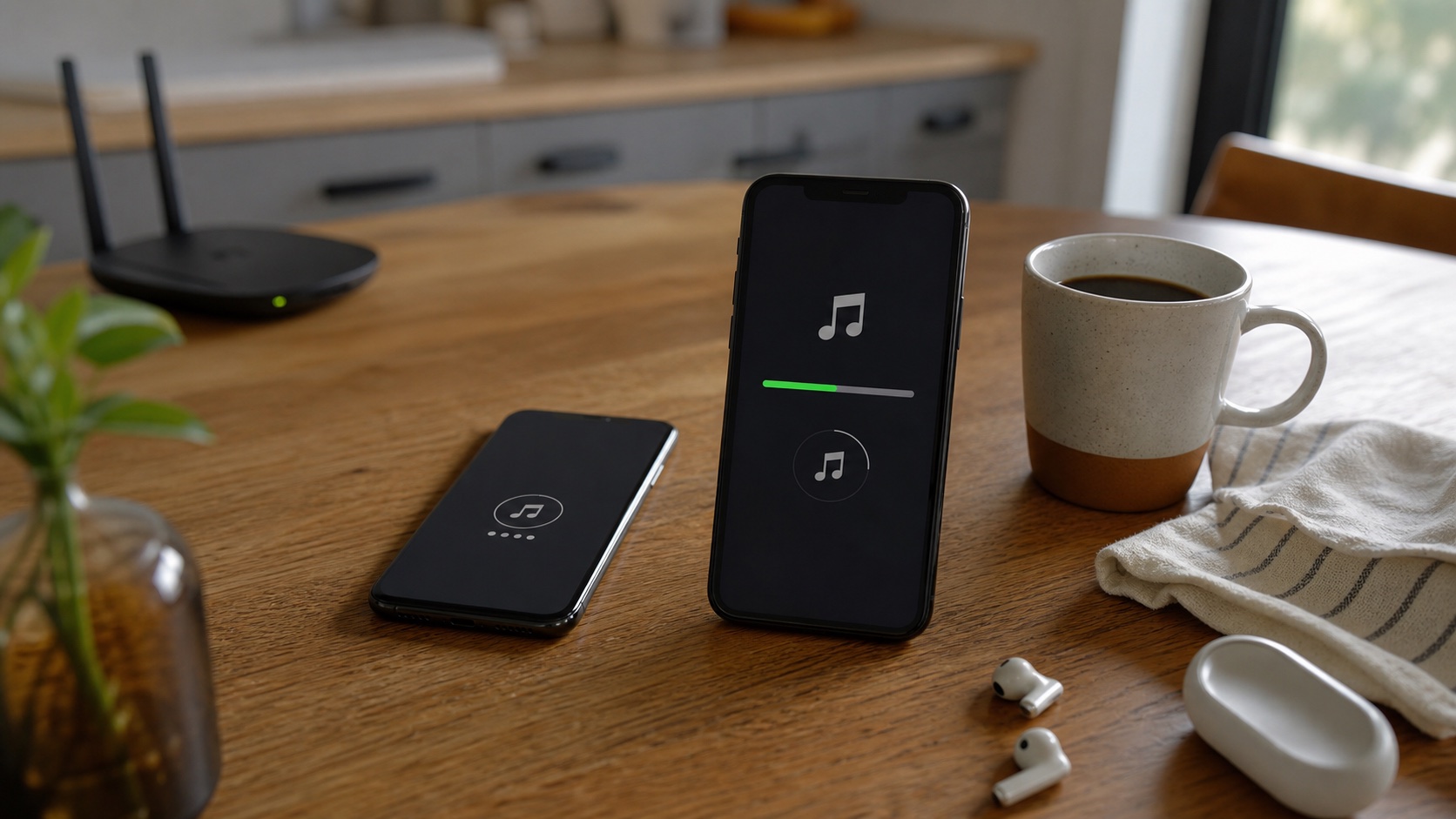
How to Download and Import Audio With OfflineTunes’ In-App Browser
Use the OfflineTunes in-app browser to download audio or ZIP archives you have permission to use, extract them, and import them on iPhone.
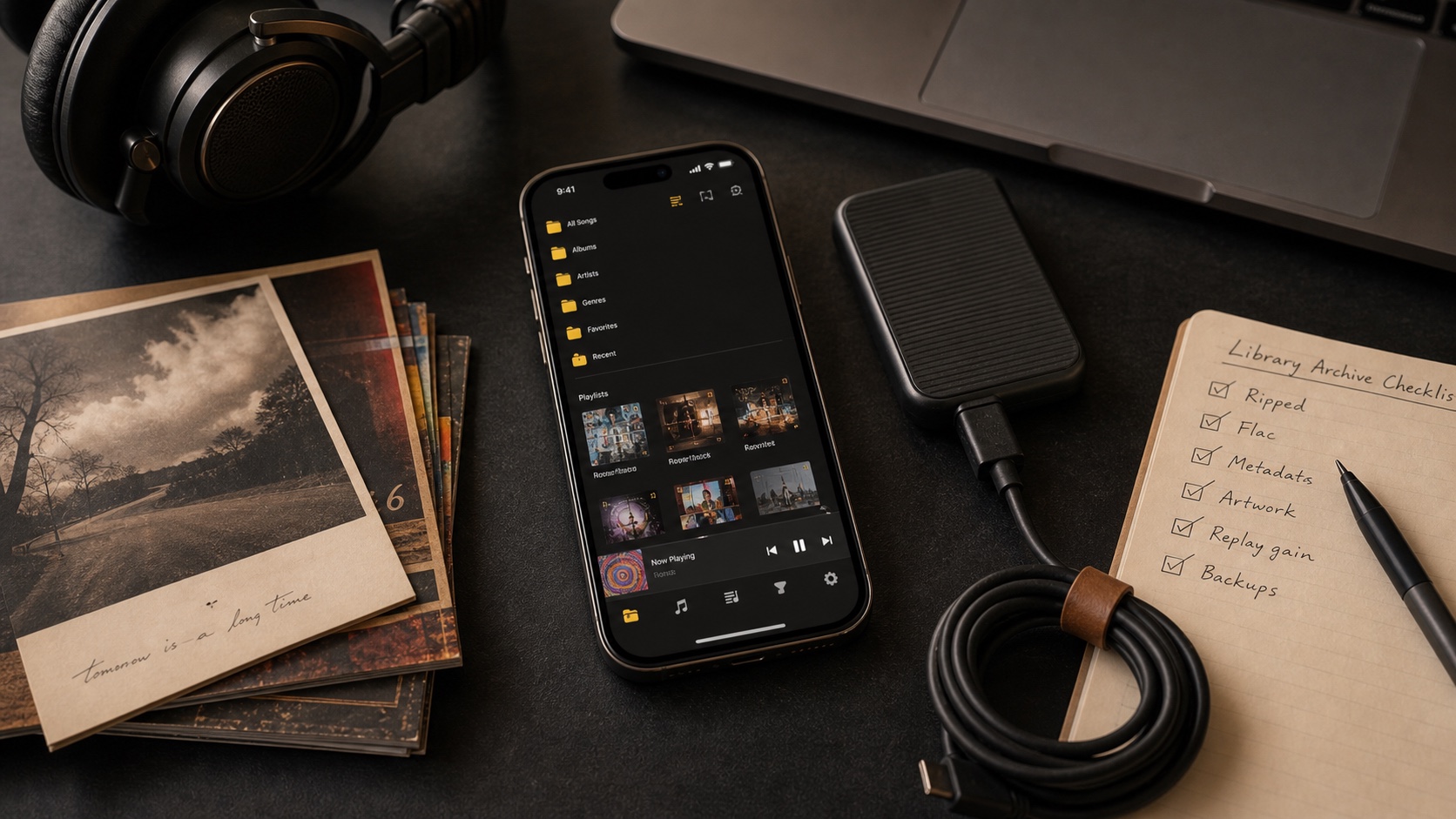
How to Import Music From Dropbox, OneDrive, Box, and S3 to iPhone
Import music from Dropbox, OneDrive, Box, and S3 to OfflineTunes on iPhone, then keep selected files available offline.
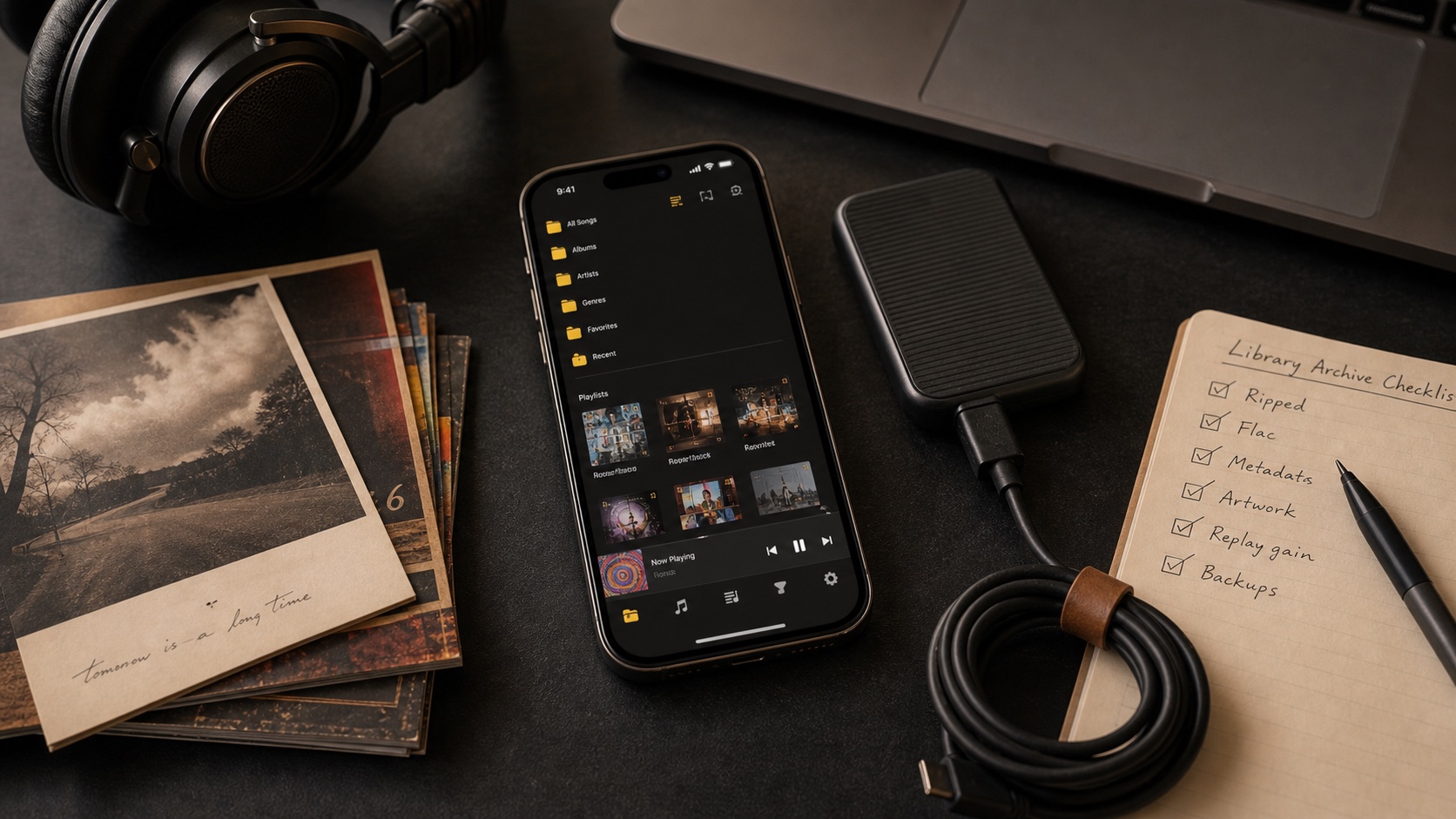
How to Import Music From WebDAV, Nextcloud, and ownCloud to iPhone
Connect WebDAV, Nextcloud, or ownCloud to OfflineTunes and import selected music folders for offline listening on iPhone.
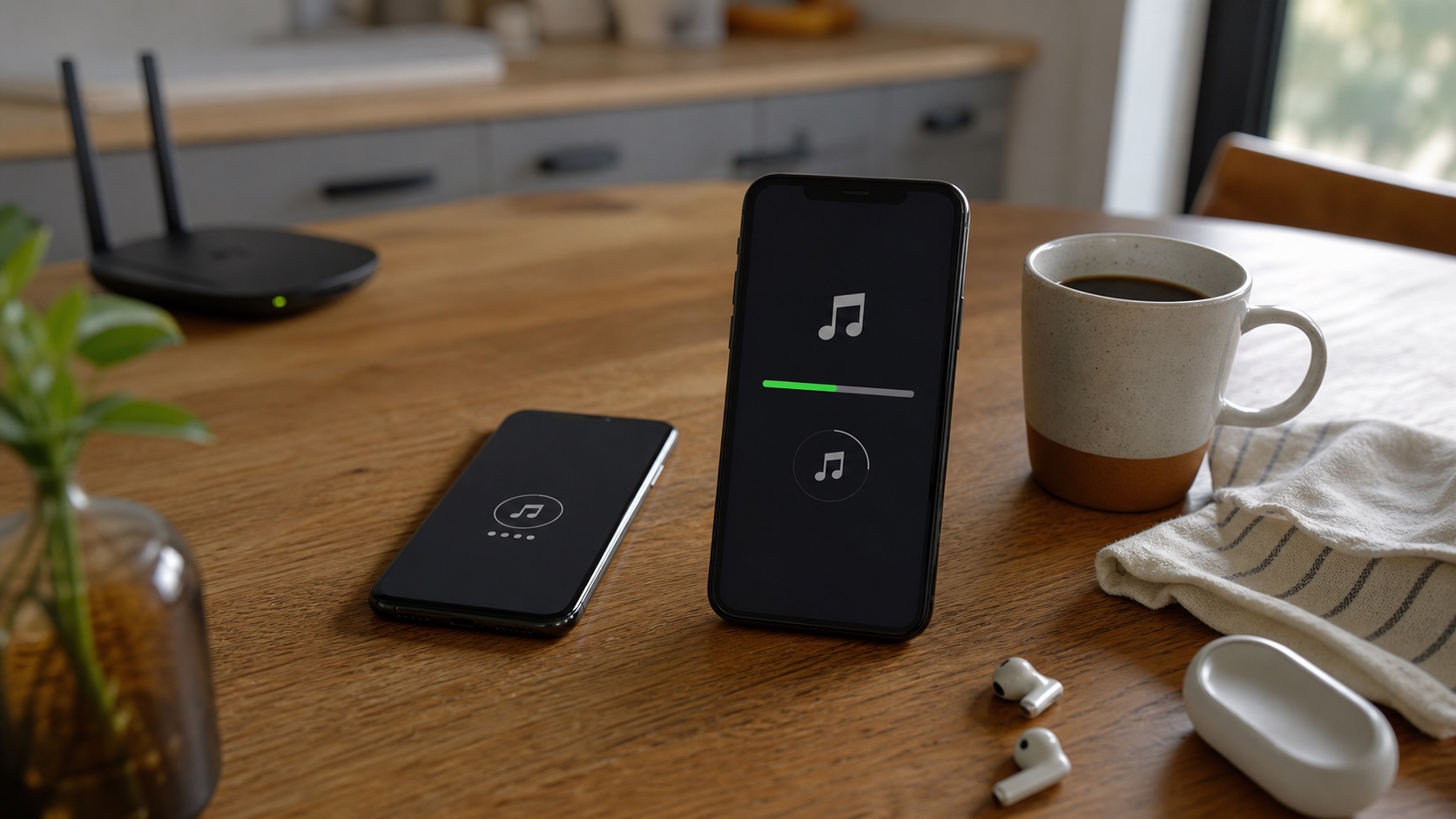
How to Import Music From Navidrome, Plex, and Subsonic to iPhone
Import music from Navidrome, Plex, and Subsonic servers into OfflineTunes for organized offline playback on iPhone.
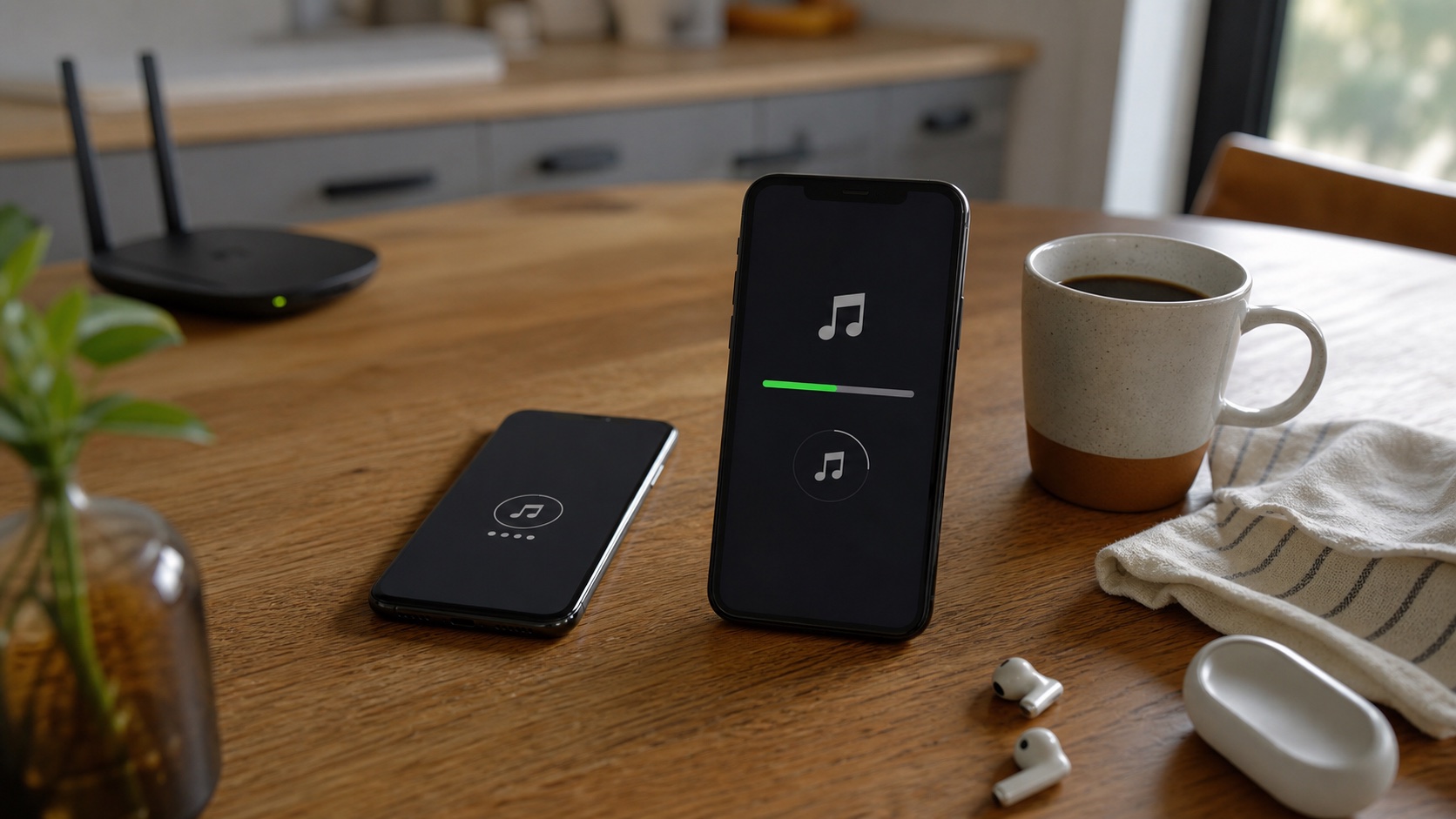
Multiple Cloud Accounts in One Music App: Personal, Work, and Shared
Manage multiple cloud accounts in OfflineTunes with custom nicknames for personal, work, family, and shared music libraries.